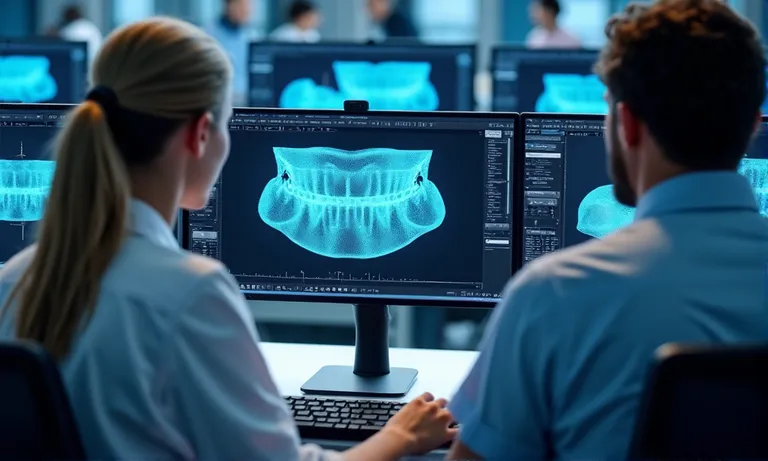
Digital workflows in crown & bridge dentistry rely on more than scanner quality—they depend on the lab’s ability to handle diverse file types, platforms, and protocols. When labs can’t interpret a scan format, read color data, or ensure secure transmission, restorations stall and remakes increase. Raytops Dental Lab supports STL, PLY, and OBJ file formats, and major scanner systems, offering streamlined intake, CAD compatibility, and digital safeguards to ensure clinical readiness from the first file upload.
A digital dental lab should support STL, PLY, and OBJ file formats, and accept outputs from all major intraoral scanners including TRIOS, Medit, iTero, and Primescan. This ensures compatibility with clinical data, preserves margin and shade accuracy, and enables seamless digital collaboration.
What are the standard file formats for digital dental workflows?
To ensure seamless collaboration with a digital dental lab, clinics must understand the core file types used in CAD/CAM dentistry. The lab should support all major data formats to prevent compatibility issues and ensure visual, spatial, and shade accuracy.
Clinics and labs benefit from clarity on file formats—knowing when to use core file types ensures compatibility, minimizes errors, and supports more predictable esthetic outcomes.
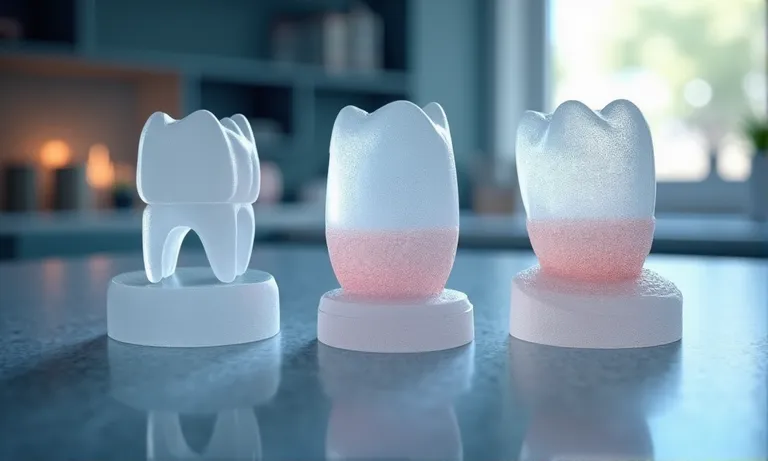
Digital-Dental-File-Format-STL-PLY-OBJ-Comparison
STL: universal baseline for restorations
Most widely accepted format for digital impressions and restorations
Supports 3D mesh geometry but lacks color or texture data
Compatible with all major CAD/CAM systems (3Shape, Exocad, Dental Wings)
Ideal for restorations where shade mapping is not required
Reliable and lightweight for easy file transfers
STL is the standard entry point for digital workflows in most labs.
PLY: supports full-color and texture retention
Includes 3D geometry plus shade and surface texture information
Used in esthetically driven restorations, especially anterior zones
Color accuracy depends on scanner calibration
Larger file size than STL, requiring stronger systems for processing
Some labs use PLY for detailed margin tracing and gingival reference
PLY enhances clinical communication and esthetic interpretation.
OBJ: mesh + color data preferred in some CAD systems
Includes mesh + material (color/texture) layers
Used selectively depending on CAD platform (e.g., DentalCAD, Blender)
Not universally accepted across dental software
Color alignment may vary across programs
Often used in surgical guide planning or modeling workflows
OBJ is valuable for advanced workflows, but requires mutual compatibility.
Not all file types are equal, and not all labs can handle all formats. Verifying lab support for STL, PLY, and OBJ ensures your cases arrive readable, traceable, and ready for design.
Which intraoral scanner formats must a lab accommodate?
Intraoral scanners (IOS) vary widely in format and compatibility. A qualified crown & bridge lab must support all major IOS brands and understand how to process both open and closed system outputs to ensure efficient file transfer and precise restorations.
Confirmation of successful upload within defined turnaround windows
Lab provides submission guidelines to minimize input ambiguity
The first 10 minutes of a case depend entirely on clean digital intake.
A lab’s ability to interpret your scanner output directly affects design accuracy and turnaround time. Send us your IOS scanner model list to verify full compatibility before your first submission.
How does CAD system compatibility affect margin and prep accuracy?
Crown & bridge accuracy begins in CAD. A dental lab’s ability to interpret prep margins , define cement gaps, and set minimum thickness depends on how well it integrates with your preferred design platform and handles related technical parameters.
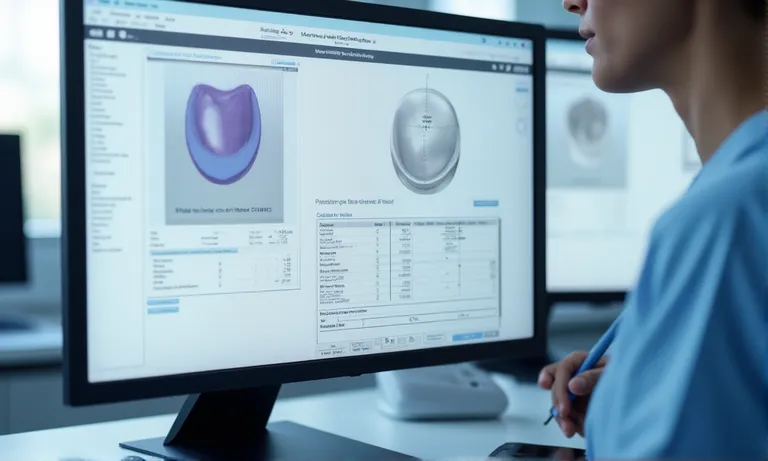
Image ALT: Dental-Lab-CAD-Margin-Design-and-Prep-Accuracy Prompt: A highly realistic, ultra-detailed, professional-quality image showing dental CAD software (e.g., Exocad, 3Shape) with a zoomed-in margin line view, prep surface, and thickness gauge overlay. Display parameter settings and interface panels for margin clarity and occlusal thickness. Natural lighting with clean digital screens in a lab context.
Margin lines are traced with magnification tools and manually verified
Cement gap set per indication (e.g., 50–100 µm standard; adjustable on request)
Minimum wall thickness adjusted based on material and case type (e.g., zirconia ≥0.7 mm, lithium disilicate ≥1.0 mm)
Anatomical form balanced with occlusion for function and esthetics
Prep angles and undercut alerts integrated during initial design stage
Precision settings define long-term success in fit and seating.
File annotations for design intent or scan limitations
Clients can submit design notes with margin, shade, or emergence instructions
Photos or screenshots accepted to highlight scan inconsistencies or finish line concerns
Internal communication forms used for technician questions or clarification
Standardized annotation templates available upon request
Each annotation becomes part of the design record to support future adjustments
A shared design language prevents misinterpretation.
Accurate CAD starts with alignment in platform, parameters, and visual intent. Labs that meet your system where you are deliver fewer surprises—and better seats.
What protocols ensure file safety, traceability, and standardization?
File handling is more than transmission—it’s a compliance-critical process. A qualified dental lab must manage digital case files with encrypted systems, proper naming rules, and audit-ready documentation that aligns with HIPAA, GDPR, or clinic-specific policies.
Files uploaded via HTTPS-encrypted portals, with two-factor login
Data stored on secure servers with scheduled backups
Technicians access files through tiered permission systems
Internal audit logs track every upload, view, and download event
Third-party cloud services comply with ISO 27001 or SOC2 standards
Encryption is non-negotiable in modern digital workflows.
Version control, naming conventions, and access logs
Standardized naming includes clinic ID, patient initials, case type, and date
Versioned uploads allow rework without overwriting original data
System alerts flag inconsistent naming or file mismatches
Logs track who accessed or modified a case file and when
Files remain archived by default for 12–24 months for traceability
Clarity in naming = speed in case matching and fewer mix-ups.
Data compliance: HIPAA, GDPR, clinic-specific policies
Lab protocols reviewed for U.S. HIPAA and EU GDPR compliance
Data handlers trained in region-specific privacy regulations
Custom data storage terms can be set for institutional clients
Consent documentation workflows built for patient-linked scans
Ongoing reviews of data handling SOPs to reflect regulatory updates
Compliance is not a checkbox—it’s a living process.
✅ Encrypted upload portals ensure full compliance – TRUE Security-focused systems encrypt files, restrict access, and log usage to meet international standards like HIPAA and GDPR.
❌ Emailing STL files is sufficient for secure dental data transfer – FALSE Unencrypted channels like email expose sensitive case data to breaches and lack traceability or user-level access logs.
Can the lab process complex cases like full-arch or multi-unit bridges?
Not all digital dental labs are equipped to handle high-data-volume or multi‑unit cases. Labs must demonstrate both technical capacity and process depth to manage full-arch designs, implant scan alignment, and occlusal calibration in digital workflows.
Supports high-resolution full-arch and multi-arch scans from TRIOS, Medit, and Primescan
CAD workstations equipped for large-file rendering without data loss or lag
Automatic stitching algorithms with manual override for inter-arch correction
Cloud-based file intake for multi-GB uploads with backup on server
Traceable versions retained for each design iteration during complex planning
Complex doesn’t mean fragile—if the lab infrastructure is prepared.
Scan body recognition and implant alignment
Pre-loaded scan body libraries for major platforms (e.g., Straumann, Nobel, Ankylos)
Technicians verify orientation and emergence path during initial CAD import
Platform-based alignment with 3Shape and Exocad plug-ins
Implant bridge designs checked for screw access and passive fit
Digital mock-ups can be shared for clinic validation pre-milling
Accurate implant alignment reduces chairside adjustments and remakes.
Occlusal registration, virtual articulation, and case integration
In-lab articulation protocols mirror clinical bite records
Digital occlusion mapping used to guide connector and pontic form
Virtual articulation simulates functional dynamics across bridge span
Technician notes and screenshots included with final design previews
Final files can be adjusted based on pre-delivery feedback
Occlusion isn’t guesswork—it’s simulated and refined.
If you’re handling complex bridge cases or full-arch restorations, partner with a lab that won’t be limited by digital workflow constraints. Send us a complex scan file to evaluate how we align with your implant and bridgework needs.
Conclusion
In a digital dental workflow, the lab’s ability to handle diverse file formats, scanner outputs, and CAD design standards defines whether your case moves forward smoothly—or gets stalled by preventable compatibility gaps. A truly digital-ready dental lab helps clients upload with confidence, design with clarity, and deliver restorations with data-backed precision.