Submitting zirconia veneer cases digitally can save time—if done right.
But without clean scans, proper margin visibility, and organized files, even the best veneer designs risk delays or remakes.
This article outlines exactly what your lab needs for predictable fit, esthetics, and fast turnaround in digital zirconia veneer workflows.
To successfully submit zirconia veneer cases digitally, clinicians must provide high-resolution intraoral scans with visible margins, opposing arch and bite scans, shade photos, and clearly labeled files. Choosing a compatible submission platform and following lab-specific protocols ensures timely, accurate results.
Before a digital zirconia veneer case can be fabricated successfully, the lab needs a complete and accurate dataset. Submitting incomplete scans or incompatible formats often leads to delays, design errors, or remake requests. At Raytops, we recommend following a strict pre-submission checklist to ensure every veneer case moves into design without technical hold-ups.
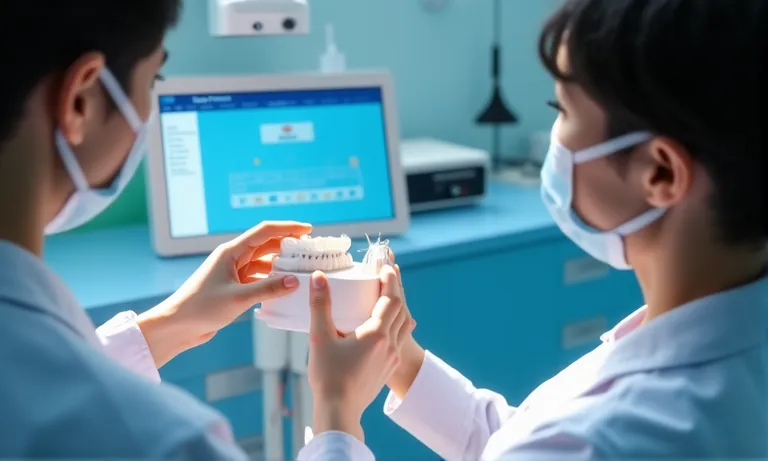
Zirconia-veneer-digital-submission-prep
Confirm that your scanner or software exports clean mesh without distortion, particularly around incisal edges.
Any shadowing, saliva pooling, or motion blur near margins can result in poor seating or under-contoured design.
For anterior veneers, we highly recommend submitting retracted, close-up frontal and lateral smile views.
Labs like Raytops provide submission guidelines by scanner brand to help clinicians reduce turnaround errors.
✅ Complete scan data and supporting visuals are essential before submitting zirconia veneer cases – TRUE
Missing occlusion or unclear margins delay production and compromise fit accuracy.
❌ As long as the prep is visible, the rest of the scan can be adjusted later – FALSE
Labs cannot digitally recreate occlusion, shade, or contact points post-submission without clinical re-scans.
Once your scan data is captured, how you organize, annotate, and submit those files can directly affect the outcome of your zirconia veneer case. From a lab’s perspective, even high-quality scans can be compromised by unclear margin markings, misnamed files, or missing instructions. Proper digital preparation improves design precision, reduces back-and-forth, and lowers remake risk.
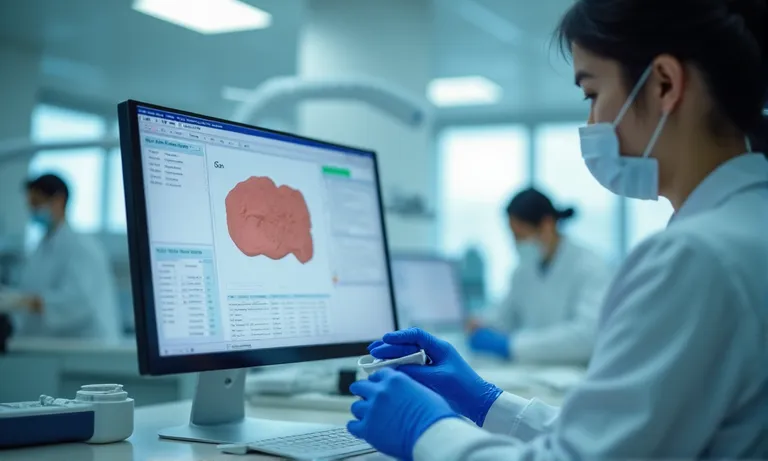
Zirconia-veneer-digital-file-preparation
If your scanner auto-marks margins, double-check for missed or blended areas.
| Area | Ideal Reduction | Notes |
|---|---|---|
| Facial incisal third | 0.7–1.0 mm | Allows for proper layering |
| Mid-facial | 0.5–0.7 mm | Minimum for zirconia strength |
| Cervical third | 0.3–0.5 mm | Margin feathering possible |
If prep is thinner than 0.3 mm in any zone, note this so we can reinforce during design.
Clear, case-specific instructions reduce risk of misfit or esthetic mismatch.
PatientName_UpperArch.stl, PatientName_BiteScan.stl, etc.Compress into a single ZIP folder before upload for clean and traceable handling.
Proper digital preparation doesn’t just help your lab—it ensures your patient gets what they expect the first time. A small investment in organization can prevent costly corrections down the line.
Choosing the right digital platform to submit zirconia veneer cases isn’t just about convenience—it affects file fidelity, lab turnaround, and communication clarity. From the lab side, we’ve seen many cases delayed or remade simply due to incompatible file transfers or unclear uploads. Understanding the pros and limitations of common platforms helps clinics streamline submission and avoid unnecessary back-and-forth.

Digital-platforms-for-veneer-submission
| Platform | Strengths | Limitations |
|---|---|---|
| 3Shape Communicate | Seamless integration, auto-uploads to linked labs | Lab must be registered on 3Shape LabList |
| Exocad Webview/Upload | Highly customizable, good with open workflows | Requires manual sync with lab software |
Both systems allow embedded margin markings, contact notes, and STL compression.
| Platform Type | Best For | Watch Outs |
|---|---|---|
| Ivoclar Digital | Labs using PrograMill workflow | Not all veneer designs are compatible with milling restrictions |
| Open Portal (Raytops) | Universal STL / ZIP uploads | Be sure to name files and folders consistently |
If using a third-party scanner, confirm the lab supports your system (e.g., Medit, Planmeca, etc.)
❌ Unsecure email or WeTransfer links often strip metadata or delay case import.
✅ Secure SFTP, HIPAA/GDPR-compliant portals, or platform-native uploads are ideal.
Avoid informal methods unless specifically instructed by the lab.
To ensure clean submission flow:
Lack of confirmation is the top reason for cases going “missing” in the queue.
✅ Choosing the right digital platform improves submission security, speed, and case tracking – TRUE
System compatibility and confirmation workflows reduce error loops and remake risks.
❌ All scan systems are cross-compatible with any lab – FALSE
Each lab has approved pipelines—submitting outside these increases conversion errors or case delays.
Submitting a digital veneer case is only the first step—the real success comes from what happens after the file reaches the lab. A well-structured post-submission workflow ensures that design intent is preserved, clinical fit is accurate, and the final restoration meets esthetic expectations. At Raytops, we follow a clear 4-step post-submission process to keep clinicians informed and cases on track.
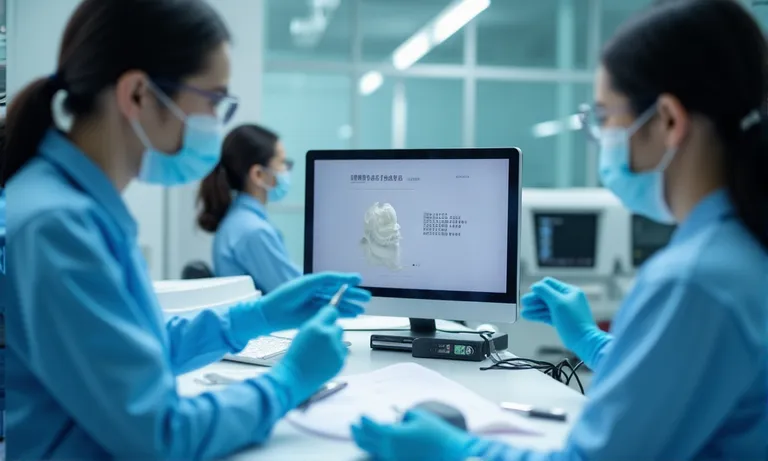
Zirconia-veneer-post-submission-workflow
1. File Review by Lab Technician
2. Feedback Requests and Design Adjustments
3. Approval Confirmation and Manufacturing Start
4. Estimated Delivery and Case Tracking
For urgent or esthetic-critical cases, express production slots are available.
This keeps complex cases personalized, without assuming clinical intent.
A reliable lab workflow isn’t just about precision—it’s about communication. Confirming fit, esthetics, and production status reduces stress for the clinician and sets clear expectations for the patient.
Even experienced digital users occasionally submit zirconia veneer cases with critical errors that delay production or compromise outcome quality. From the lab’s standpoint, most issues are preventable with better scanning discipline, clearer file organization, and closer platform alignment. This section breaks down the most common mistakes—and what to do instead.
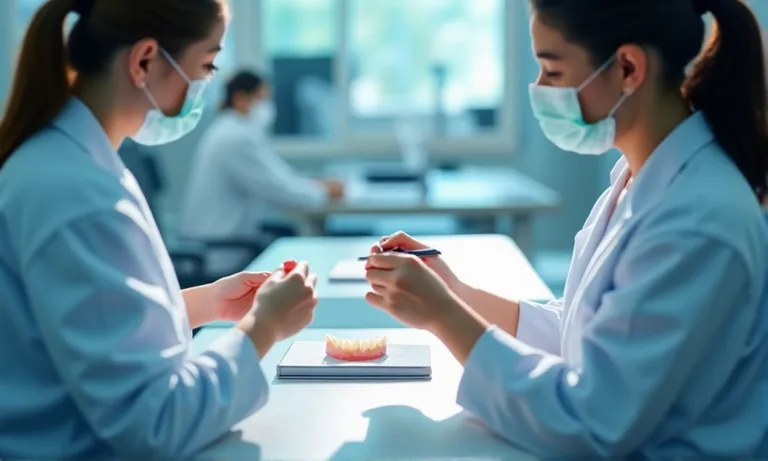
Zirconia-veneer-submission-mistakes-lab-view
These errors trigger feedback loops that delay case entry and reduce confidence in final outcomes.
✅ Clear margins, full bite scans, and labeled files are required for reliable veneer production – TRUE
These are not optional—accurate data inputs are the foundation of digital veneer success.
❌ Digital files can be corrected by the lab later if anything is missing – FALSE
Labs cannot re-generate occlusion, margin clarity, or esthetic data after submission. Missing files lead to delay or failure.
Once the basics of digital zirconia veneer submission are in place, the next step is to streamline your workflow for efficiency, repeatability, and reduced rework. Clinics that standardize their digital process see faster turnaround, fewer errors, and more consistent esthetic results. From the lab side, we can confirm: the best-performing clients aren’t those with the most expensive scanners—but those with the most consistent habits.
Digital-dental-workflow-best-practices-veneers
Consistency beats improvisation—especially when working with labs remotely.
Templates reduce planning time and prevent default errors.
| Submission Element | Status | Verified By |
|---|---|---|
| STL + bite + opposing | ✅ Required | [Name / Date] |
| Shade photo (VITA format) | ✅ Recommended | [Name / Date] |
| Prep & smile photos | ✅ Ideal | [Name / Date] |
| Written veneer request | ✅ Required | [Name / Date] |
Have your team fill this out before every case upload. We see 20–30% fewer issues from clinics using this method.
Your lab will return more consistent results when expectations are codified—not implied.
Optimizing your digital workflow is not about speed—it’s about control.
Want a ready-to-use veneer submission checklist or sample preference sheet? Our team can share templates that align with your scanner, case type, and lab requirements for zirconia veneer success.
Digital zirconia veneer submission doesn’t have to be complicated—but it does require discipline.
Need a submission checklist or want to confirm your scanner’s compatibility with our zirconia system? Contact Raytops Dental and we’ll send our latest digital protocol guide, plus a sample case upload folder.