Submitting STL files for crown & bridge cases seems simple—until unclear margins, mislabeled scans, or missing Rx notes trigger avoidable delays.
Labs struggle to proceed when scan data is distorted, documentation is vague, or uploads are lost in email threads.
At Raytops Dental Lab, we help clients prevent these errors by standardizing STL submission from the first scan to the final upload, ensuring smoother workflows and fewer remakes.
To smoothly submit STL files for crown & bridge cases:
These steps help avoid misinterpretations, reduce remakes, and streamline the lab workflow.
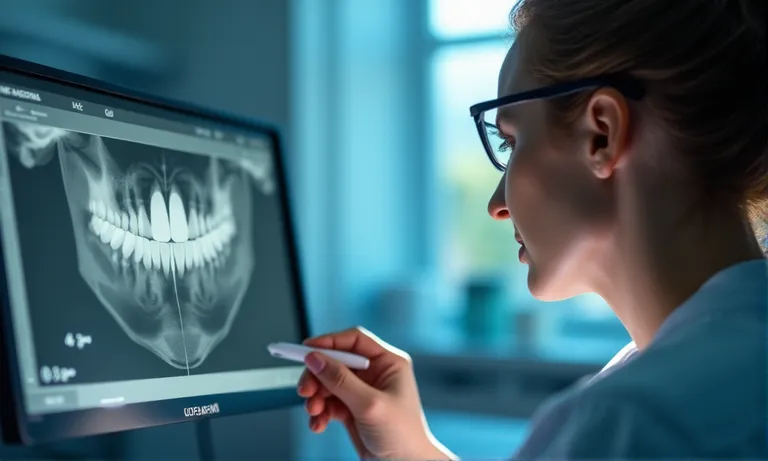
Capturing a clean STL scan starts with margin clarity and ends with data consistency. Ensuring moisture-free scanning, full occlusal information, and avoiding common artifacts significantly reduces misinterpretation and remakes. A good STL is not just high-resolution—it’s clinically clean, technically traceable, and immediately manufacturable.
Dental-Scan-Margin-Clarity
For dental labs, indistinct margins are the leading cause of case rejection or delay. A scan with unclear or contaminated margins cannot be accurately finished, no matter how advanced the CAD/CAM system.
Without full occlusal data and opposing arch clarity, restorations often require chairside adjustment or full remakes. Labs rely on this data to build functional, balanced restorations.
Digital artifacts in STL files create uncertainty in margin position, surface texture, or contact points, leading to clinical frustration and costly refits.
✅ Margin clarity depends on tissue management and scan control – TRUE
Accurate, dry, and unobstructed margins are essential for lab interpretation. Fluid or soft tissue interference introduces ambiguity into the STL model.
❌ High-resolution scanners automatically produce clean margins – FALSE
Scanner quality helps, but clear margins still rely on clinical isolation, operator skill, and environment control—not resolution alone.
A clean scan loses its value if exported in the wrong format or saved under a confusing name. Binary STL exports and standardized file naming help dental labs manage cases efficiently, reduce mix-ups, and maintain traceability across systems and teams.
STL-File-Naming-Dental-Case
Binary STL files are smaller and more stable than ASCII versions, with faster uploads and reduced corruption risk.
Proper naming avoids delays caused by confusion, file duplication, or technician misidentification. A structured approach prevents production hold-ups.
Example: CLN1234_20250701_U_crown.stl
Unexpected renaming disrupts digital workflows and increases remake risks. Consistency from scan to upload is key.
Consistent export settings and clear file names reduce downstream confusion, especially when handling multiple cases per day. To help your team standardize, download our STL file naming checklist.
A structured, secure file submission method ensures STL data arrives intact, traceable, and ready for immediate production. Labs rely on consistent folder organization and upload confirmation to prevent delays or data loss.
Digital-Case-Submission-Dental-Lab
Public cloud drives or email attachments increase the risk of file corruption or privacy violations. Choosing compliant tools is essential for secure digital collaboration.
Consistent folder structures allow labs to locate files quickly and avoid mismatches across STL, photo, and Rx components.
| Folder Name | Content Type | Example Files |
|---|---|---|
| Scan | Upper, lower arches | CLN1234_20250701_U_crown.stl |
| Bite | Bite registration | bite_scan_20250701.stl |
| Photos | Intraoral, shade | CLN1234_shade_intraoral.jpg |
| Rx | Written prescription | Rx_CLN1234.pdf |
Without confirmation, labs risk delays due to missing files or corrupted uploads. A simple check can prevent costly misunderstandings.
✅ HIPAA-compliant portals help prevent data breaches – TRUE
Using encrypted, compliant platforms minimizes patient data exposure and aligns with industry best practices.
❌ Emailing STL files directly is acceptable for all cases – FALSE
Standard email lacks encryption and is prone to file truncation or spam filtering, making it unreliable for case-critical data.
STL files alone rarely tell the whole story. Clear documentation—like detailed Rx forms and relevant visuals—helps dental labs reduce interpretation errors, shorten turnaround time, and deliver restorations that match expectations the first time.
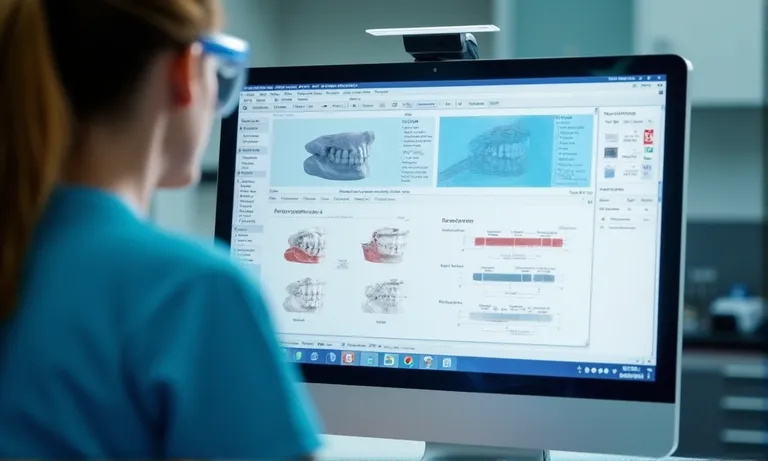
Dental-Rx-Accompanying-STL-Documentation
An unclear prescription is one of the top causes of delay or misfabrication. A detailed Rx bridges the communication gap between clinic and lab.
Images often clarify what words cannot. Supplementing STL files with visuals ensures technicians understand case-specific features.
Special cases require special instructions. Missing implant info often causes delays or remakes.
The more context you provide, the fewer assumptions are made during fabrication. Incomplete documentation often leads to questions, delays—or worse, remakes. Providing clear, structured, and consistent documentation ensures better outcomes for both sides.
Remakes are costly for everyone. Incomplete, mislabeled, or distorted STL files are a leading cause. Identifying recurring submission issues—and building a feedback loop to prevent them—reduces stress, delays, and material waste for both clinics and labs.
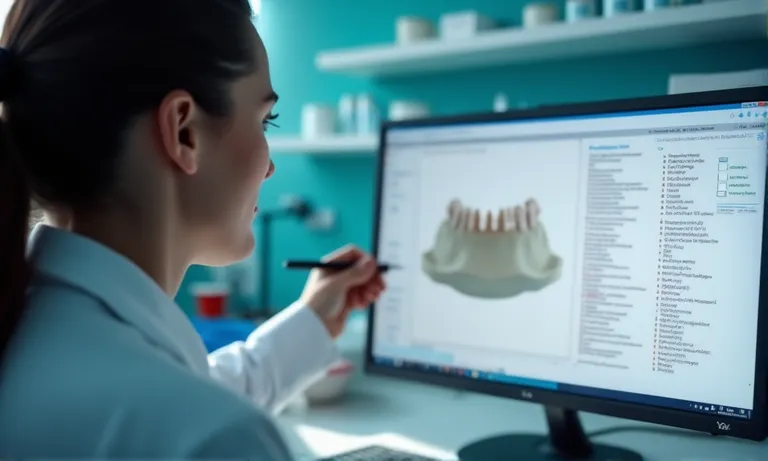
STL-Remake-Feedback-Dental-Lab
The most frequent remake causes are structural issues in the STL file itself—errors that prevent proper restoration design.
A structured internal checklist helps the lab intercept errors before proceeding to design or fabrication.
One-time issues are easy to fix. Repeated mistakes need a collaborative system for correction and tracking.
Remake prevention is not a single fix—it’s a system. If you’re seeing recurring adjustments or returns, let’s improve upstream clarity together. Request case evaluation support to reduce guesswork and remakes across the board.
STL submission quality directly shapes crown & bridge success. From the moment a scan is captured to the second it’s uploaded, every detail—margin visibility, file name, folder structure, or Rx note—can either support or undermine the case. By standardizing digital handoffs, Raytops Dental Lab helps clinics reduce confusion and remakes across the workflow.
Need help reviewing your STL submission process? Connect with Raytops Dental Lab to receive case-ready guidance and ensure every scan arrives ready for success.