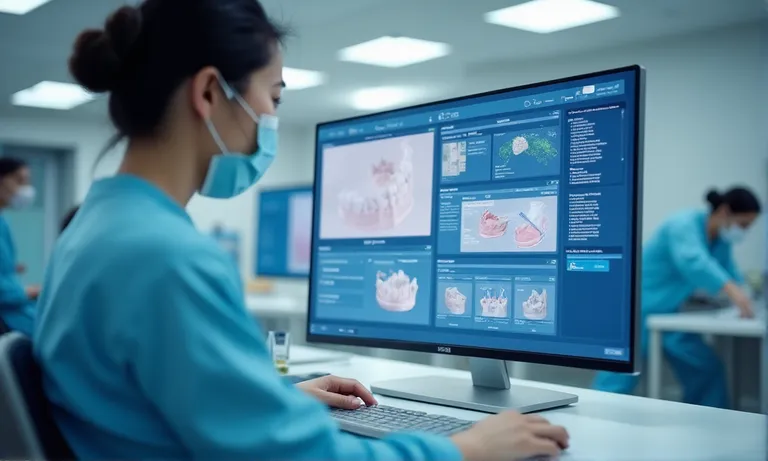
When choosing a crown and bridge supplier, a lab’s ability to adopt and operationalize new technologies isn’t optional—it’s mission-critical. For DSOs, group practices, and growth-oriented labs, this capability determines whether digital investments translate into consistent outcomes, faster turnarounds, and scalable quality.
What sets mature labs apart isn’t just tools—it’s how those tools are integrated. Look for validated CAD/CAM and 3D printing workflows, technician readiness, digital SOPs, and documented case success. Assess compatibility with your scanners and file types, their approach to onboarding, and how they manage volume without quality drift.
Request validation runs, ask tough questions, and verify claims. The labs worth trusting aren’t just going digital—they’re already delivering with it.
Evaluating a dental lab’s ability to adopt and implement new technologies isn’t about future potential—it’s about ensuring quality, consistency, and efficiency in your cases right now. A lab’s technology implementation maturity determines how well it can handle modern workflows, respond to changes, and scale without compromise.
Dental-lab-technology-setup-overview
New digital tools—whether AI-assisted margining, 5-axis milling, or multi-material 3D printing—only improve outcomes if they are properly implemented and maintained. A lab may own advanced software, but if toolpaths aren’t calibrated, or technicians are under-trained, the results remain inconsistent. We’ve supported clients who assumed technology presence equaled performance, only to find that gaps in adoption led to recurring contact adjustments or shade mismatches.
Adoption isn’t about tool availability—it’s about integration into daily operations.
Many labs advertise innovation, but without deep adoption, these tools can introduce more risk than benefit.
For DSOs and scaling clinics, the lab relationship is no longer just about single-case fulfillment—it’s about consistency across systems, locations, and teams. In digital workflows, even small variances in scanner compatibility or CAM interpretation can cascade into remake cycles and lost time.
We’ve seen that labs with mature implementation habits reduce escalations, align better with digital protocols, and provide scalable support without reinventing the wheel for each new tech.
Labs that embrace new technology must do more than buy equipment—they must build habits, train teams, and align systems. For clients evaluating partnerships, tech adoption capability is not optional. It’s a prerequisite for smooth, scalable, risk-mitigated collaboration.
Technology alone doesn’t improve clinical results—how a lab deploys and operationalizes it makes the real difference. Evaluating a lab’s implementation capability means looking beyond tool ownership into how those tools are used, maintained, and integrated into daily operations.
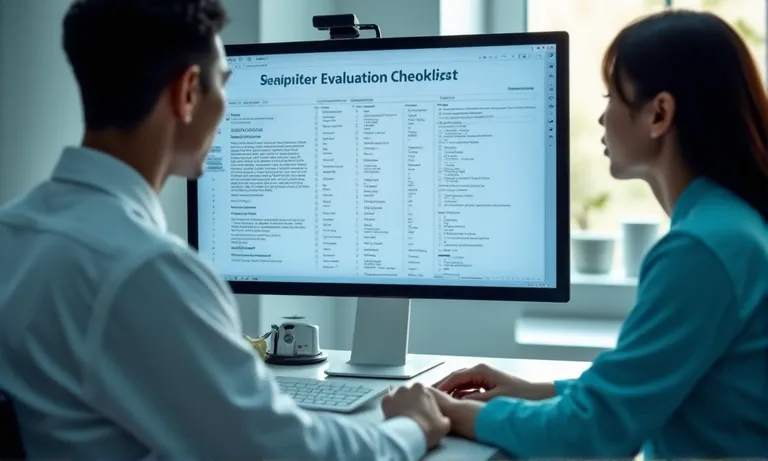
Dental-lab-operational-checkpoints-digital
Look for signs of system-level integration, such as:
Presence of these systems indicates not only technical readiness but real operational deployment.
Even advanced tools underperform if adoption is uneven across teams. We’ve visited labs where only one technician knew how to operate a new printer, or where CAM updates were skipped by half the team to avoid retraining. The outcome? Inconsistency in contact fit, material curing, or milling results—even with identical files.
Training logs, internal certifications, or even cross-team demos are positive signals that adoption is institutionalized—not isolated.
| Process Area | Low Implementation Lab | Mature Implementation Lab |
|---|---|---|
| CAD/CAM SOPs | Informal or technician-specific | Documented workflows with change logs |
| QA tracking | Case-based manual checklists | Software-logged checkpoints at each production step |
| Technician onboarding | Verbal shadowing | Structured, module-based tech onboarding |
| Tech updates | Irregular, ad-hoc | Scheduled version audits with rollback protocols |
Labs with high operational maturity don’t just “own the tools”—they build repeatable processes around them.
Technology readiness is only meaningful when it translates into system-wide consistency. When assessing labs, watch how the tools are actually used—not just how they’re marketed.
Not all labs that claim to be “digital-ready” are truly prepared for real-world collaboration. Asking the right questions during supplier evaluation helps you distinguish between marketing promises and operational reality—before you send your first case.
Image
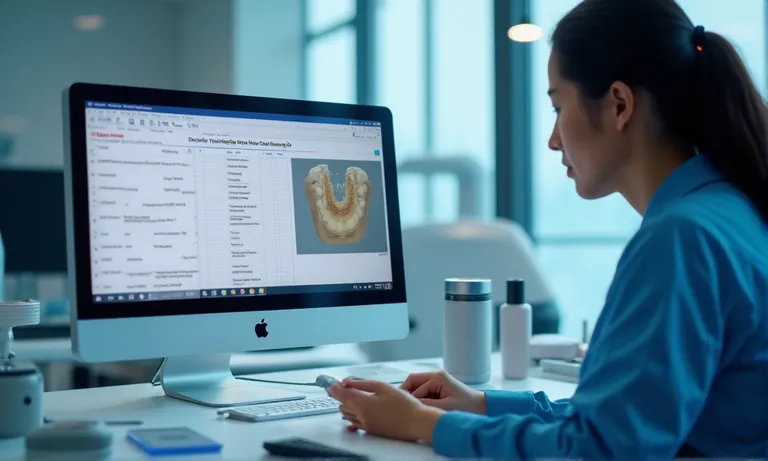
ALT: Dental-lab-client-review-questionnaire
Prompt: A highly realistic, professional image showing a procurement manager on a video call with a dental lab technician. A screen shows a supplier evaluation checklist with categories like “Digital SOPs,” “Tool Compatibility,” and “Case Study Examples.” The technician is demonstrating CAM software on a shared screen.
Ask for evidence—not just equipment lists. Look for:
Verifiable case studies are more valuable than generalized capability slides.
If the lab truly understands its own implementation stage, it should have clear onboarding and trial structures. This may include:
Labs confident in their workflows welcome pilots—not avoid them.
One DSO group we worked with reported that a prior lab silently upgraded their CAM engine version without notice—resulting in 27 cases with shifted marginal fit due to a toolpath recalibration mismatch. No warning, no rollback. After switching to a lab with documented version control, client alert protocols, and structured onboarding, that DSO never saw an unexpected format deviation again.
The lesson: ask not just what systems they use, but how they handle change. A tech-driven lab isn’t just fast—it’s transparent, responsive, and version-conscious.
Asking the right operational questions doesn’t just protect your first case—it protects every future case that follows.
Digital compatibility is one of the most practical—and most overlooked—factors in lab selection. Even the best-designed cases can encounter delays, data loss, or misfits if the lab’s systems can’t cleanly receive, interpret, and process your files and prescriptions.
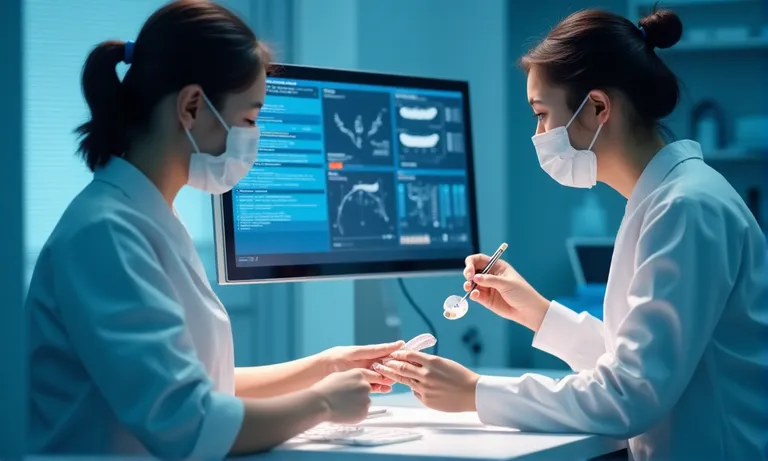
Digital-workflow-compatibility-lab-input
File-level compatibility affects the very first step of collaboration. Labs that only support STL may lose margin texture or anatomical references embedded in PLY. Similarly, not all CAM systems can process DICOM overlays or volumetric guides.
The key is simple: if the lab can’t natively read your files, everything downstream becomes a workaround.
| System Attribute | Closed-System Lab | Open-Compatible Lab |
|---|---|---|
| Scanner input accepted | Limited to same-brand or partner equipment | Accepts outputs from major intraoral scanners |
| File types supported | STL only or proprietary | STL, PLY, DICOM supported |
| Portal prescription flow | Fixed templates, limited fields | Adaptable intake matching client setup |
| Integration with client tools | Minimal (email/manual) | API or structured upload-compatible |
Labs with open infrastructure adapt more easily and require less back-and-forth, especially in large teams with diverse setups.
A growing clinic in New Zealand came to us after struggling with a previous lab that required manual file conversions, fixed intake forms, and didn’t support their PLY output. Each case required 2–3 emails and calls to clarify file formats or resend prescriptions.
After switching to a lab with automated file intake and direct compatibility with their TRIOS and Carestream systems, onboarding took less than a week. File handoffs became seamless, and their case rework rate dropped by 22% in the first month.
When labs adapt to your workflow—not the other way around—scalability becomes reality, not theory.
A lab’s ability to scale digital workflows isn’t just about having more equipment—it’s about whether their systems, people, and quality controls can keep pace as volumes grow. For DSOs, distributors, and multi-clinic networks, this becomes the defining difference between short-term suppliers and long-term partners.
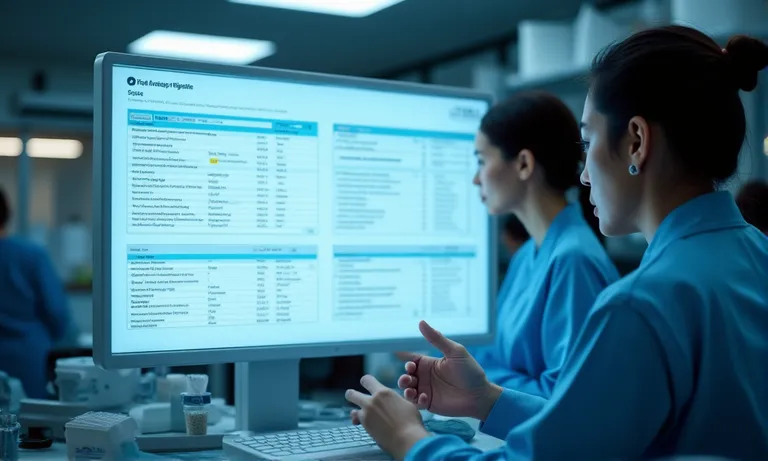
Dental-lab-scaling-process-digital-qc
Scaling isn’t “more of the same”—it’s “repeatable at higher volume.”
| Scalability Dimension | Unprepared Lab | Scalable Lab |
|---|---|---|
| New tech rollout | Ad-hoc, informal demos | Staged onboarding with simulation training |
| SOP updates | Manually distributed, inconsistent | Version-controlled with tracked acknowledgments |
| QA handoffs | Individual-driven, memory-based | Cross-team workflows with digital checkpoints |
| Peak-time performance | Production delay or backlogs | Load balancing with burst-capacity planning |
Scalable labs think in systems, not staff capacity.
A North American DSO we worked with previously relied on a regional lab that scaled too quickly—buying new mills and hiring fast, but without reinforcing QA. In just two months, contact fit complaints rose by 27%, and remakes surged across three clinics.
They transitioned to a lab that had implemented production dashboards, real-time QA alerts, and technician certification tied to complexity levels. The results: remake rates dropped under 4%, and digital rework requests were cut in half.
Scaling isn’t about promises—it’s about structure. Labs that build it in from the beginning don’t collapse when orders ramp up.
Choosing between multiple tech-enabled labs requires more than comparing equipment lists or software logos. True technology maturity is reflected in how consistently that technology is deployed, supported, and scaled across the production floor.
Image
ALT: Lab-maturity-assessment-digital-ops
Prompt: A highly realistic image of a side-by-side digital readiness dashboard showing two dental labs. One shows high maturity with clean SOPs, validation batches, and QA checkpoints; the other shows disorganized files, missing steps, and flagged rework stats. Technicians of varying experience levels reviewing the process on screen.
You’re not just evaluating tools—you’re evaluating whether the team has internalized how to use them consistently.
A UK-based multi-clinic group ran initial batches through two short-listed labs. One lab accepted TRIOS inputs but lacked QA checkpoints, resulting in inconsistent occlusion and contact trimming issues.
The second lab requested five validation cases, returned annotated reports, and invited the client’s digital lead to review nested CAM plans via screen-share. Not only did they calibrate faster, but they also set expectations for future scale.
Validation batches reveal maturity far more clearly than sales slides.
| Assessment Dimension | Early-Stage Lab | Mature Lab |
|---|---|---|
| Client references | General or outdated | Digital workflow–specific, recent |
| Certification/Audit trail | None or informal | Documented, third-party or internal QA |
| System update process | Ad hoc | Logged, versioned, technician signed-off |
| SLA tracking / KPI dashboard | Rare or Excel-based | Real-time system + client-shared summary |
In mature labs, transparency is not a favor—it’s a standard.
In an industry where technology evolves quickly but implementation varies widely, assessing a lab’s maturity is not optional—it’s essential. Whether you’re scaling digital case volume, integrating new systems, or seeking long-term consistency, the difference lies not in the tools a lab owns, but how well they’re used.
As a global dental lab supporting fast-growing clinics and distributors, we’ve learned that reliable partnership starts with workflow transparency and proven execution—not just adoption headlines. Ask the hard questions. Your patients—and your production team—will thank you.