
Digital workflows are no longer optional—they’ve become a decisive benchmark for selecting dependable crown and bridge lab partners. For procurement leaders, evaluating a lab’s digital maturity goes beyond hardware; it reflects how effectively the lab manages STL file intake, enforces design consistency, reduces remake rates, and integrates into your digital environment.
A structured evaluation should examine:
Labs with proven digital capabilities not only meet technical standards—they reduce friction, support clinical efficiency, and scale with your long-term needs.
For procurement managers evaluating outsourcing partners, a dental lab’s digital workflow capabilities are no longer a bonus—they’re a baseline requirement. As crown and bridge restorations demand higher precision and consistency at scale, the limitations of analog processes become too costly to overlook.
Digital workflows reduce the variability caused by manual techniques, enable traceable quality control, and build trust through predictable results. In contrast, analog workflows are more susceptible to data loss, miscommunication, and higher remake rates—especially across multi-unit or esthetic cases.
analog-vs-digital-dental-workflow
While many labs still operate partially with manual workflows, analog methods present several risks:
We’ve supported clinics transitioning from analog labs, and one DSO reported remake rates dropping from 9.2% to 3.8% after switching to a fully digital partner within one quarter.
Digital workflows embed structure and repeatability into each stage of production:
Procurement teams benefit from predictable turnaround times, fewer surprise adjustments, and audit-ready documentation of every case.
When labs compete on price alone, clinics may overlook the operational cost of inconsistency. But as DSOs and group practices grow, the ability to scale reliably becomes a core selection criterion.
Digital readiness becomes a clear differentiator when:
Labs with advanced digital workflows don’t just manufacture restorations—they become operational partners. For clinics, that means fewer risks, faster recovery when issues arise, and a more scalable foundation for future growth.
Evaluating a dental lab’s digital maturity means looking beyond their scanner or CAD software—it requires understanding how they manage the entire case journey. Each stage in the digital workflow presents opportunities for precision—or risks of inconsistency. For procurement teams, identifying where variability hides (and how a lab handles it) is key to ensuring predictable outcomes.
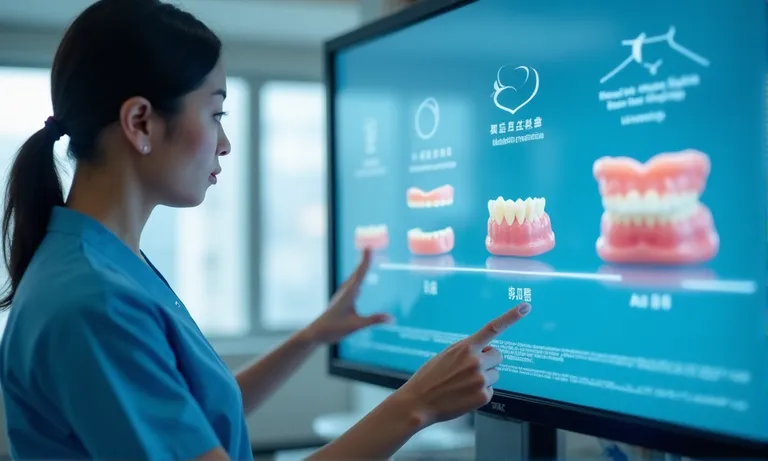
dental-digital-workflow-stages-overview
A typical digital crown or bridge workflow includes six core stages. Labs that consistently deliver high-quality results tend to structure and document each step clearly:
Each step is a checkpoint—not just a pass-through—especially for complex cases like layered anterior crowns or implant-supported bridges.
Even in digital workflows, subtle inconsistencies can compound across stages if not controlled. Procurement teams should probe how the lab handles:
We’ve reviewed remake root causes across hundreds of cases, and the most common errors stem from non-standardized design logic or lack of feedback loops at scan intake.
Among all the stages, three have the most direct impact on fit accuracy and delivery reliability:
Labs with well-documented digital workflows don’t just reduce errors—they give clinics and procurement teams visibility. That visibility builds trust, speeds resolution when needed, and ultimately improves chairside outcomes.
A lab’s ability to integrate with your digital tools—scanners, CAD platforms, file formats—is critical to reducing friction, avoiding remakes, and scaling predictable workflows. Compatibility isn’t just about reading STL files; it’s about whether the lab can fully operate within your ecosystem without needing constant clarification or workaround fixes.
We’ve seen clinics delay partnerships after realizing a potential lab couldn’t correctly interpret bite scans or was unfamiliar with their scan body library. Identifying these risks upfront prevents miscommunication downstream.
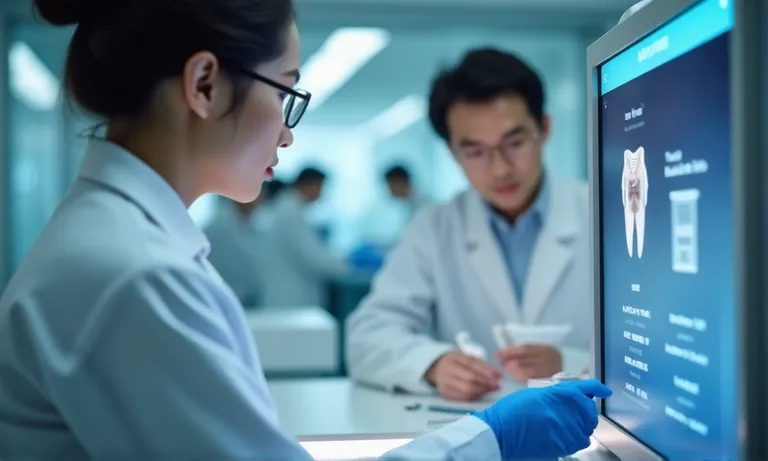
dental-digital-ecosystem-integration
To ensure smooth case intake, the lab should:
A well-prepared lab should provide feedback on scan clarity within 12–24 hours and flag problems before design begins. If issues like distorted scan bodies or incomplete bite scans are found too late, it often leads to avoidable remakes.
True compatibility also depends on whether the lab can interpret the 3D relationships in your scan files correctly.
In one recent case, a clinic using a Medit scanner submitted a full-arch implant scan with a third-party scan body. Our lab identified that the scan body geometry didn’t match the digital library, which would have resulted in misaligned screw channels. We paused the case, informed the client, and helped them rescan with the correct component.
Labs should be able to:
Without this layer of review, a case that “opens fine” in software may still seat poorly in the mouth.
To fully support digital collaboration, labs must fit into your existing system. Here’s how to check integration depth:
A compatible lab doesn’t just receive your files—it understands how to use them as you intended. That alignment ensures faster approvals, fewer errors, and scalable cooperation.
CAD design is where clinical intent becomes manufacturable reality. For crown and bridge work, the lab’s CAD process determines not only the accuracy of individual restorations, but also the repeatability of quality across cases, clinicians, and time. Procurement teams evaluating digital labs should examine how well their CAD infrastructure balances standardization with the flexibility needed for complex cases.
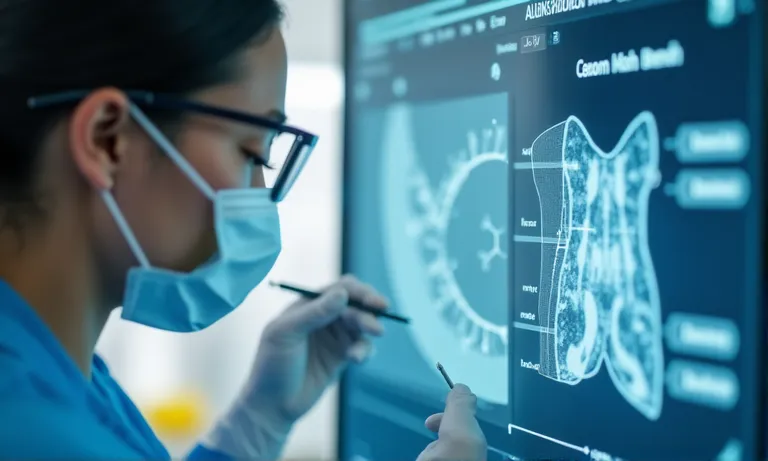
dental-cad-parameter-templates-interface
Labs with strong CAD infrastructure typically implement:
By removing technician-by-technician variability, these features allow labs to scale while delivering uniform output. At Raytops, we’ve mapped templates to different clinical preferences—e.g., broader contacts for DSO chains that see high occlusal wear in posterior cases.
Customization matters most in esthetically or structurally demanding cases. Labs need CAD systems that handle:
A DSO client recently shared that inconsistent anterior results across multiple locations were reduced after switching to a lab that standardized CAD profiles per tooth type and applied zone-based design reviews. The net result: fewer adjustments and improved smile line harmonization.
Digital labs should support real-time design collaboration. Here’s how a strong CAD preview process should work:
This level of visibility turns CAD from a black box into a collaborative tool—and becomes a key differentiator when comparing labs.
Procurement teams need more than just “sent” and “delivered” updates. In high-throughput environments like DSOs or group practices, knowing where each case stands, who approved what, and what’s causing a delay is critical to operational continuity. A mature case tracking system goes beyond basic file exchange—it builds trust through transparency.

dental-lab-digital-tracking-dashboard
Labs that operate with responsive digital infrastructure typically offer:
This system allows clients to triage cases before problems escalate. A DSO client told us that before switching labs, they regularly lost track of when approvals were due—resulting in unintentional shipment delays. With a dashboard in place, they regained visibility and control.
Digital tracking also supports granular traceability, which helps QA and accountability. A lab should document:
This is especially critical for high-risk cases (e.g., full-arch implant restorations) or when multiple stakeholders are involved. We’ve worked with group practices where multiple clinicians rotated across locations. Being able to see the exact history of a case reduced confusion and ensured that any issues could be traced and resolved quickly.
For large buyers, system integration becomes the next level of efficiency. A lab with the right digital stack can:
A responsive lab tracking system turns procurement from a guessing game into a coordinated workflow—especially important when cases are complex or distributed across clinics.
Even with advanced tools, digital workflows are not immune to errors. The difference lies in how well a lab can detect issues early, track sources of error, and systematically reduce remake rates. Labs with robust digital QA systems not only deliver more consistent outcomes—they also give procurement teams visibility into process reliability over time.
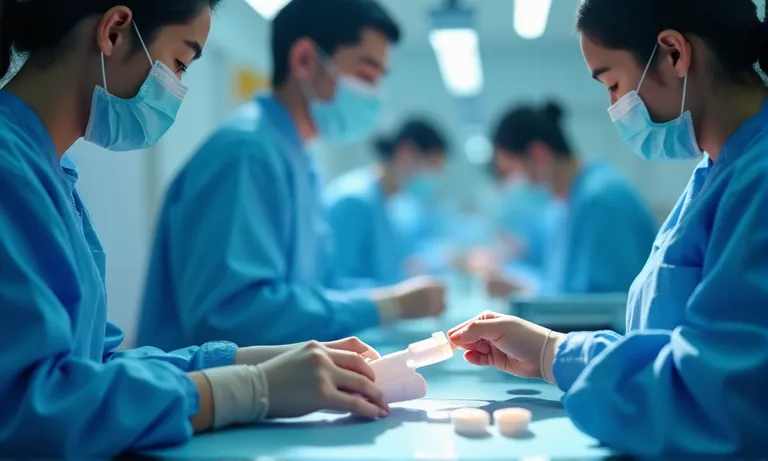
dental-lab-quality-control-digital-verification
A strong QA system starts with real-time alerts at the earliest stage:
These alerts help technicians intervene early, avoiding silent propagation of errors. At Raytops, such alerts have prevented downstream CAM work on invalid data—saving time and cost.
Hardware variability can undermine even perfect design files. Leading labs:
We’ve had cases where two different machines produced slight discrepancies in occlusal thickness—despite identical files. Logs revealed subtle wear on a single milling tool, prompting preemptive maintenance and tighter tool change cycles.
Remake rates should not be anecdotal—they should be measurable. A professional-grade lab can report key QA metrics:
| KPI | What It Shows | Procurement Use Case |
|---|---|---|
| Remake % by case type | Frequency of remakes by category (e.g. posterior) | Identify risk-prone categories |
| Turnaround time variance | Stability of production schedule | Predictability of delivery windows |
| Revision request rate | How often clients ask for changes | Signal of upstream communication misalignments |
| Cause-tagged remake logs | Whether issues are design, scan, or mill related | Helps refine file submission protocols |
Labs that provide these insights signal operational maturity—and allow buyers to base decisions on more than just pricing.
Choosing the right lab partner goes beyond reviewing sample cases or turnaround times. For procurement managers and clinical operations leads, asking the right technical and operational questions upfront is the fastest way to evaluate whether a lab is truly digital-ready—and whether they can deliver consistent, scalable crown and bridge outcomes.
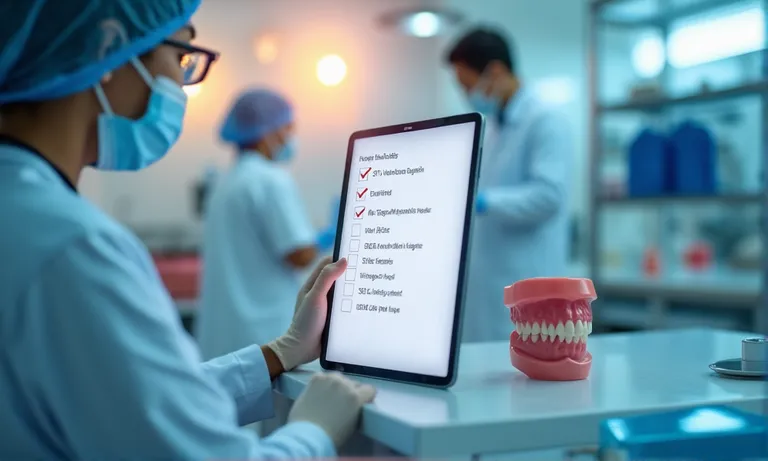
dental-lab-evaluation-question-checklist
Labs with strong digital infrastructure can:
This reduces unnecessary waiting and lowers the chance of surprise chairside adjustments. One procurement lead we worked with highlighted that just implementing these checks cut their average turnaround deviation by 1.2 days per case.
A data-driven lab should be able to report:
Without these metrics, labs are essentially asking clients to “trust the process” blindly. In contrast, digital-ready labs offer clients dashboards or summary reports that support continuous improvement over the life of the partnership.
Beyond technical claims, you should confirm:
Compatibility means fewer errors, smoother transfers, and less training burden on your clinic-side teams. A lab that speaks your digital language reduces onboarding friction and ensures scalability.
Evaluating a crown and bridge lab’s digital workflow is no longer a technical preference—it’s a procurement necessity. Labs that invest in end-to-end digital infrastructure, from STL validation to real-time KPI tracking, offer more than precision—they offer predictability, accountability, and scalability.
For clinical buyers and procurement teams, the right questions uncover whether a lab is truly equipped to support consistent quality at volume. As an overseas dental lab working with multi-site clinics and DSOs, we’ve seen how aligned digital systems create smoother handoffs, faster cycles, and fewer surprises.
Choosing the right lab starts with clarity—and digital workflows make that measurable.