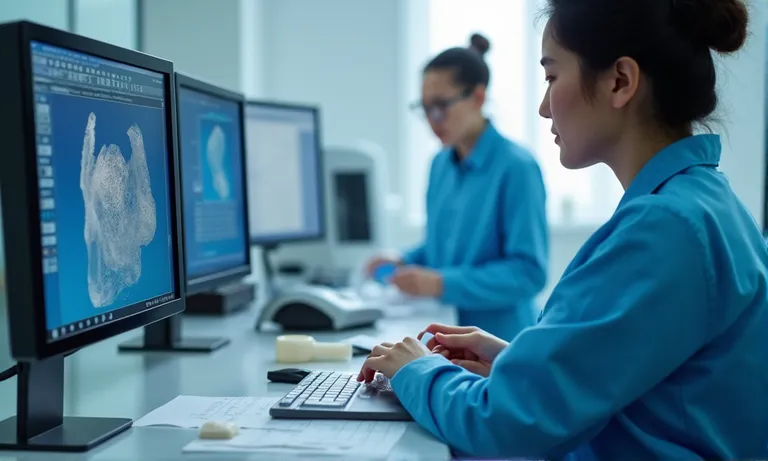
Scanner and software compatibility is one of the most common—yet most underestimated—risks in outsourcing crown and bridge cases to a dental lab. When digital systems don’t align, whether due to unsupported STL or PLY formats, scanner restrictions, or mismatched CAD workflows, the result is often delays, poor fits, or costly remakes.
To avoid these breakdowns, buyers should evaluate five critical areas before sending digital cases:
Addressing compatibility before the first case reduces revision cycles, speeds up delivery, and helps build a reliable, digitally integrated relationship with your lab partner.
In crown and bridge outsourcing, ensuring scanner and software compatibility is not just a technical detail—it’s a key determinant of case success. File mismatches or incomplete data can lead to remakes, production delays, and costly communication loops. Labs that actively validate compatibility early can help clinics prevent hidden risks and streamline collaboration from day one.
dental-scanner-cad-software-integration-check
Seemingly small mismatches in file type, resolution, or data segmentation often lead to significant clinical outcomes—ill-fitting crowns, internal gaps, or return cases. We’ve seen cases where open-source STL files lacked critical metadata or scan depth, resulting in adjustments that weren’t visible until production. Worse, improperly aligned bite scans can throw off occlusion entirely, requiring case remakes and patient callbacks.
These risks often only surface after the work is done—when a doctor receives a crown that looks right but doesn’t seat correctly. For high-throughput clinics or DSOs, the compounded time cost can be substantial.
The lab might not flag every mismatch immediately—but cumulative errors can silently degrade precision.
A midsize clinic in Brisbane had consistent delays when submitting cases scanned with an older Primescan system. Their technician wasn’t aware that their STL output lacked consistent model segmentation—causing bite shifts and incorrect occlusion. After we flagged this in their third case, we helped them switch to a layered STL export with antagonist and bite registration split.
From then on, remake rates dropped by 40%, and communication reduced to one message per case on average. The clinic later told us:
“Honestly, just knowing you were checking that stuff upfront gave us peace of mind.”
So we recommend all clinics—especially first-time outsourcing users—to conduct a basic file test with the lab before sending real cases. It saves time, reduces friction, and prevents misaligned expectations later.
Poor compatibility isn’t just a tech inconvenience—it’s a quality and trust issue. Labs that support multi-system workflows and proactively validate file formats can help clinics avoid downstream problems. That’s why at Raytops, we treat compatibility as a shared responsibility from day one.
Most modern dental labs support a wide range of scanners and file types, but compatibility is never guaranteed. The safest path is to verify that your scanner’s output format and version are actively supported by the lab’s internal CAD and workflow systems. STL is the most universally accepted format, but differences between binary and ASCII versions—or missing metadata—can still cause friction. Lab familiarity with your scanner brand also influences turnaround time and accuracy.
Image
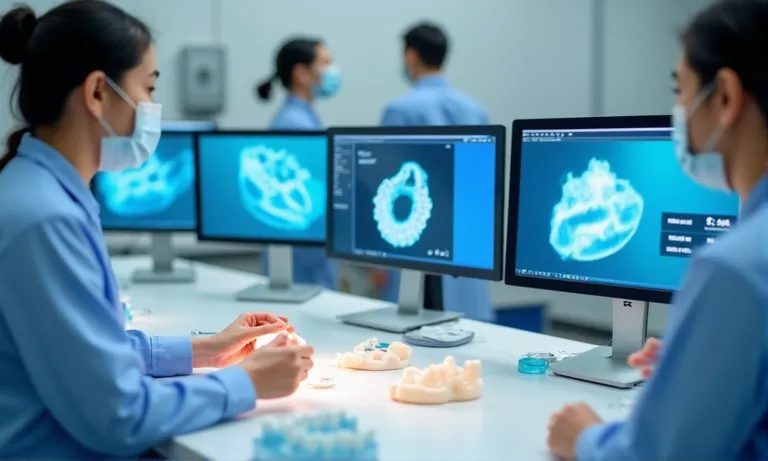
ALT: dental-scanners-file-type-compatibility
Prompt: A highly realistic, ultra-detailed, professional-quality image in a dental lab setting. Multiple popular intraoral scanners (3Shape TRIOS, Medit i700, Primescan, iTero) are shown on a clean worktable with labeled digital file formats (STL, PLY, OBJ) on adjacent monitors. The background includes technicians reviewing scan layers and margin lines. Lighting is soft daylight with crisp CAD detail on screens.
Dental labs most commonly support the following scanner systems:
These scanners are not created equal when it comes to lab-side integration. For instance, some iTero and Primescan systems lock case data unless the right export bridge is installed.
| File Format | Common Use | Pros | Limitations |
|---|---|---|---|
| STL (Binary) | Universal export format | Compact, widely accepted | Lacks texture and color |
| STL (ASCII) | Open-source workflows | Human-readable | Larger file size, slower load |
| PLY | Implant workflows, margin capture | Includes color + texture | Not supported by all lab systems |
| OBJ | Some CAD visualization tools | Texture + geometry | Often used for facial scans; limited in dental design |
While STL remains the de facto standard, formats like PLY offer added visual data for soft tissue, which can aid in margin interpretation—especially for anterior cases. Labs must have software capable of recognizing and parsing these formats accurately.
One common pain point in lab collaboration is the closed nature of certain scanner ecosystems. For example, iTero and Primescan are widely respected for their scan quality but require specific settings or subscriptions to export standard STL files. If these are not configured correctly, labs may receive locked cases or incomplete data—often without immediate error messages.
In contrast, systems like Medit or 3Shape are considered “open” and allow users to export files freely in multiple formats, with full control over segmentation and case metadata. This not only makes integration smoother but also gives the lab better visibility into scan detail, improving design outcomes.
Labs that support both closed and open ecosystems often develop intake templates or verification steps to ensure proper parsing. For clients, the best practice is to test-scan and export one case with the lab before onboarding.
Knowing your scanner’s export behavior can prevent weeks of back-and-forth emails. It’s not about which brand is “best”—it’s about ensuring your system talks cleanly with theirs.
Some labs, including ours, have developed quick-reference compatibility charts and can advise on scanner setup as part of the onboarding process.
Many misunderstandings stem not from bad files—but from silent incompatibilities that surface later in production. Investing one hour upfront to align scanner settings can save multiple hours downstream.
Dental labs don’t just receive and print files—they must actively validate and preprocess every case to ensure accuracy, compatibility, and clean design inputs. Labs that skip this step risk costly remakes, while labs that build it into their intake workflow protect both parties from hidden misalignments or distortions.
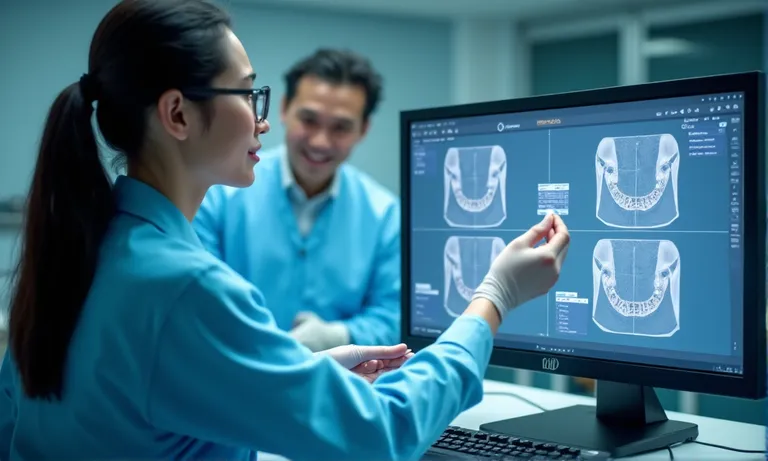
dental-lab-stl-file-checking-validation
Before any digital design begins, most labs inspect submitted STL files using the following criteria:
We use internal CAD tools to run mesh consistency scans, and if there’s a threshold breach (e.g., margin break or depth noise), we notify clients early—before production starts.
This extra 10-minute check saves hours of correction later.
A DSO group we collaborate with in Ontario had an issue where their implant scans were consistently failing during alignment—causing two-day delays. After reviewing the files, we discovered their scanner was capturing scan bodies at an angle that distorted the cylinder shape, confusing our recognition algorithm.
We suggested they adjust scan head tilt by 15 degrees and re-center the scan entry point. After this change, 100% of scan bodies aligned successfully across their implant library.
It was a small calibration issue—but it had caused a 3-case backlog and hours of rework.
That group told us:
“No one ever explained this detail before. We assumed it was a software bug on your side.”
When labs understand your implant system—and how you scan it—they can spot and solve alignment issues faster than most front-line support.
Our lab uses a three-step verification process when checking occlusion and jaw scan alignment:
In many cases, we’ve flagged misalignments before clients even noticed. That upstream clarity reduces remake risk and speeds up production decisions.
Labs that skip this step risk relying on assumptions—and assumptions are expensive in crown design.
Labs that take digital quality control seriously become an extension of the client’s clinical workflow. At Raytops, we see file validation not as a courtesy—but as a built-in quality gate for every case.
When outsourcing crown and bridge work, it’s not enough for labs to accept your STL files—they must also use compatible CAD platforms and maintain synchronized libraries. Misaligned software versions, outdated parameter sets, or missing implant systems can lead to margin mismatches, occlusal interferences, or internal adjustments that go unreported until delivery. A lab’s internal CAD structure should work in harmony with yours—not against it.
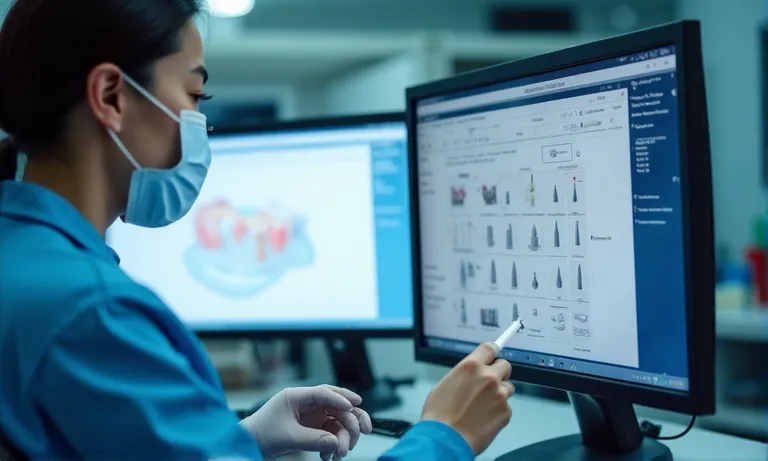
dental-cad-software-library-sync
Most digital labs operate on one or more of the following CAD systems:
Each platform handles file imports and design steps differently—especially when it comes to integrating clinic-side margin data and occlusion control.
Labs using Exocad may need STL margin lines imported via XML overlay, while 3Shape systems can inherit native margin from TRIOS scans. Understanding your lab’s internal platform ensures cleaner margin capture and smoother adjustments.
A private clinic in Manchester submitted five anterior zirconia crowns based on PFM prep scans using Exocad. Their scanner software had embedded library profiles from a previous lab, and the files included margin curves locked with mismatched implant geometry.
Our team noticed during design review that the zirconia crowns consistently overextended on the lingual side—despite prep reduction being adequate. We traced the issue back to a hidden library conflict: their Exocad export was referencing an outdated abutment system with different emergence profiles.
We walked them through resetting their library sync and aligning export parameters to match our internal Exocad version. The next batch came back with zero overextensions—and a clear match to prep contours.
Their practice lead said:
“We didn’t even realize we were carrying over library residue from a different supplier. That mismatch cost us two patients and a remade case.”
Library conflicts aren’t visible on the scan—they only surface in design or delivery. That’s why synced software is as critical as clean prep data.
| CAD Platform | Margin Transfer | Implant Library Access | Parameter Locking | Cross-Lab Sharing |
|---|---|---|---|---|
| Exocad | STL + XML or DCM overlay | Wide access, frequent updates | Partially editable | High |
| 3Shape | Native with TRIOS + DCM | Centralized, some restrictions | More locked | Moderate |
| Dental Wings | Manual entry often required | Moderate, slower updates | Flexible | Low |
| Blue Sky Plan | STL only | Limited | Manual input | Low |
Some labs may accept STL from any scanner—but if design parameters or libraries don’t align, the result is still inaccurate. Working with a lab that understands how to interpret, override, or map design parameters across systems is essential.
Labs that manage library integrations proactively can reduce errors without needing you to change scanners or software—just export cleanly.
One of our clients summed it up best:
“It’s not just file format. It’s what your lab does with that file that matters.”
Labs can only work with what you send. Without standardized file naming, structured scan segmentation, and complete metadata, even the best lab can misinterpret your case—leading to margin errors, occlusal gaps, or implant mismatches. Clear protocols reduce guesswork and ensure smooth digital intake.

dental-file-submission-intake-checklist
To avoid errors, clinics should implement these basic standards before file upload:
Case001_Upper_Prep.stlLack of clarity during submission leads to guesswork in design. And guesswork leads to remake risks.
| File Name | Type | Notes |
|---|---|---|
JohnDoe_Upper_Prep.stl | Preparation | Primary scan showing margin and prep line |
JohnDoe_Lower_Antagonist.stl | Opposing | Used for occlusion analysis |
JohnDoe_Bite.stl | Bite registration | Ensures proper articulation |
JohnDoe_Gingiva.stl | Soft tissue | Optional, but critical for anterior esthetics |
JohnDoe_InfoForm.pdf | Metadata | Shade, restoration type, contacts, margin, date |
When files arrive in this format, the lab doesn’t need to decode or chase missing layers. This reduces intake time and improves internal assignment accuracy.
We’ve had clients cut 15–20% off their turnaround time just by switching to this format after initial onboarding.
Here’s a 5-step intake process we share with first-time clients to reduce miscommunication:
We’ve seen clinics go from chaotic submissions to smooth daily uploads just by following this protocol.
Our intake team is trained to spot errors early, but clear submissions make that process even faster.
Before sending digital cases to a dental lab, asking the right questions can prevent compatibility issues, reduce miscommunication, and ensure the lab is truly equipped to handle your scanner system, file formats, and workflow preferences. A short checklist upfront can save hours—or days—later in production.

dental-lab-digital-case-submission-questions
Here are five essential questions every clinic or DSO team should ask before their first case submission:
Labs that can’t answer these questions clearly may not be ready to handle your workflow.
Not all file uploads are equal—and not all labs check thoroughly.
Some labs process incoming scans without visual validation or mesh integrity checks. That’s risky. Others, like Raytops, treat the intake step as part of the quality process. Our intake team runs scan resolution checks, margin edge verification, and library compatibility reviews before assigning a case for design.
We’ve had DSO clients who switched to us primarily because their previous lab never alerted them to repeat bite scan errors that caused premature occlusion. After just one onboarding review with us, they corrected their scan flow and reduced remake rates by over 12%.
Ask your lab:
“If I submit a problematic scan, how will I know before it’s too late?”
Their answer tells you a lot about their process maturity.
Here’s a basic pre-submission checklist to confirm before starting collaboration:
If you can check all six boxes above, you’re likely ready to submit your first full case.
Labs that facilitate this checklist—or provide their own—are more likely to become long-term digital partners, not just order-takers.
Ensuring scanner and software compatibility with your dental lab isn’t just about formats—it’s about building a workflow that minimizes errors and maximizes efficiency. From verifying supported file types to aligning CAD libraries and standardizing submissions, each step contributes to faster turnaround and more predictable outcomes.
As an experienced overseas dental lab, we’ve learned that the best results come from shared systems, not just shared files. Whether you’re a clinic, DSO, or distributor, aligning early on compatibility sets the foundation for long-term digital success.