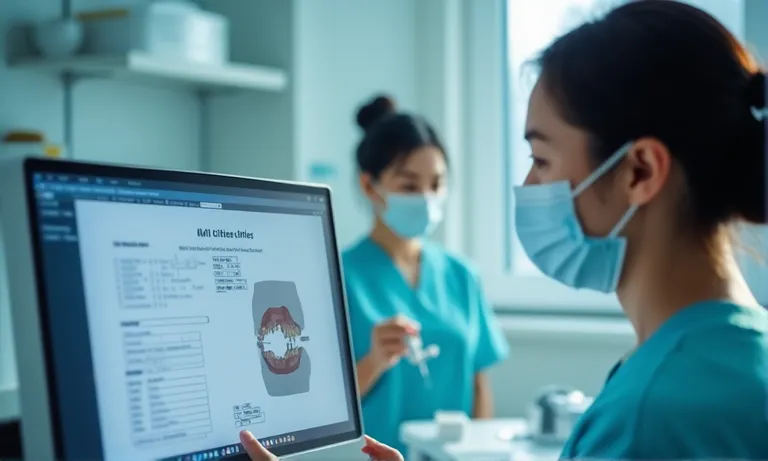
Submitting inlay or onlay cases digitally can streamline turnaround time and improve fit—but only if the case data is complete and clearly organized. Many delays and remakes stem not from clinical issues, but from missing occlusal records, vague restoration details, or inconsistent file naming. This guide walks through every key element your lab needs for accurate, efficient fabrication—from scan submission to best practices for consistent digital workflows.
To submit an inlay or onlay case digitally, clinics should provide high-resolution scans (STL or PLY) with clear margins, opposing and bite scans, restoration type and material, and clearly organized file folders. This ensures accurate lab modeling and reduces delays or remakes.
Accurate and complete data is the foundation of a successful inlay or onlay case. From a dental lab’s perspective, missing or unclear inputs can delay production or compromise restoration fit. By submitting the right information upfront, clinics ensure fewer remakes, faster turnaround, and more predictable outcomes.
Digital-onlay-case-submission-data-checklist
The digital scan is the foundation. Labs require:
Incomplete or unclear margins are the most common reason for delays or case rejection on our end.
Proper occlusion is critical for functional fit. We recommend:
This ensures the restoration seats without premature contacts or open contacts.
While less critical for onlay/inlay than for anterior esthetics, photos help in:
For shade-sensitive materials like e.max or hybrid ceramics, even posterior onlays may benefit from photographic references.
This seems basic but is often missed or unclear. Please include:
We also appreciate knowing if the restoration is a temporary, diagnostic, or final case—this affects our workflow.
✅ Complete case data leads to faster turnaround and fewer remakes – TRUE
Clear scans, occlusal info, and case details reduce lab-side guesswork and speed up delivery.
❌ All that matters is the STL scan – FALSE
Scans alone, without bite, material, or indication data, often lead to incorrect contacts, margin misinterpretation, or esthetic mismatch.
Even with perfect scans, disorganized files can lead to production delays or case confusion. From the lab’s perspective, clear file structure and consistent naming save valuable time in validation and modeling. Clinics that systematize their submission process tend to experience smoother, faster workflows—especially when working across multiple cases or locations.
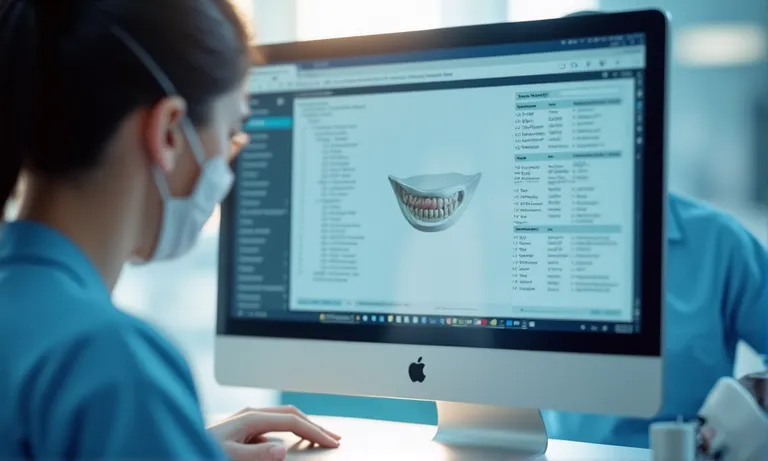
Dental-digital-case-file-organization-folder
To reduce misinterpretation during modeling, labs benefit from:
When margin marking is left ambiguous, we often need to contact the clinic for clarification before modeling can proceed.
Onlays and inlays differ not just in shape—but in margin design, occlusal interface, and material choice. Please specify:
A single sentence in the case notes clarifying this can prevent functional or esthetic misalignment.
Optional notes can guide nuanced adjustments:
This guidance helps us deliver a restoration closer to seat-ready, especially in digital-only workflows.
We recommend the following for consistency:
.zip format, not .rarSTL/PLY scan filesConsistent structure allows our intake team to process cases within minutes—not hours.
Efficient file prep isn’t just about internal order—it directly improves your lab turnaround, model quality, and seat-time reliability.
Want our standard submission folder template? We’re happy to share the format we use with long-term digital partners.
With the rise of digital workflows, multiple platforms now support inlay/onlay case submission. Each has different features, compatibility levels, and integration depth with labs. Understanding the landscape helps clinics select the most efficient and secure submission method for their team and lab partner.
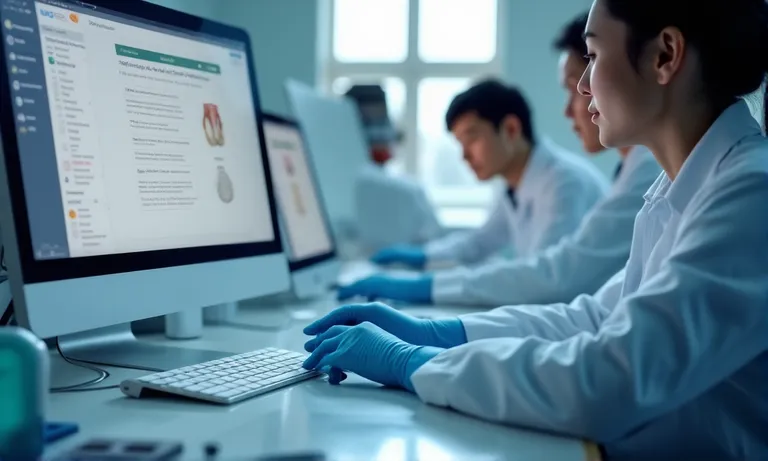
Dental-submission-platforms-3Shape-exocad-portal
These two platforms dominate CAD scan workflows:
Clinics should ensure lab compatibility and confirm if auto-sync or manual approval is required for each case.
Many labs offer their own:
These systems are ideal for DSOs or clinics managing centralized case routing, offering flexibility across scanner types.
Some labs build or license white-label systems that:
These platforms reduce back-and-forth and improve transparency, especially for repeat clients.
Manual uploads are:
Integrated CAD uploads:
Choosing between them depends on your clinic’s workflow habits, case volume, and digital maturity.
Across platforms, the goal is the same: efficient, secure, and clear submission that minimizes human error and supports timely case fabrication.
Once you’ve submitted your case files, a structured process begins within the dental lab to validate, model, manufacture, and deliver your restoration. Understanding what happens post-submission helps clinics better align timelines, manage patient expectations, and respond to lab feedback more effectively.
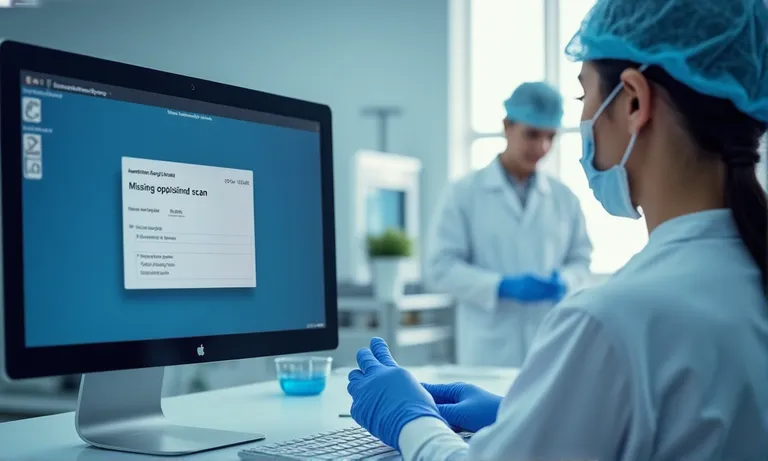
Dental-lab-digital-case-review-feedback-process
Upon receipt, the lab’s intake team will:
Any missing or incompatible files are flagged before modeling begins. Early validation reduces remakes and avoids wasted modeling time.
If issues are found, expect prompt contact from the lab:
At Raytops, we aim to send alerts within the same business day if a case fails intake QC.
Once approved, you’ll typically receive:
Rush requests must be confirmed by both parties to ensure production capacity.
With validation complete:
Clinics can expect status updates depending on the submission system used.
✅ Post-submission validation and communication help avoid costly rework – TRUE
Early checks allow corrections before manufacturing begins, reducing chairside adjustments and delays.
❌ Submitting the scan is the last step—you just wait for delivery – FALSE
Labs actively review each case and may need clarification. Passive communication leads to avoidable delays.
Even experienced clinics occasionally face rejections or remakes due to digital submission errors. From the lab side, these errors often stem not from clinical quality—but from preventable workflow gaps. Knowing the most common issues helps teams improve efficiency and restore with confidence.
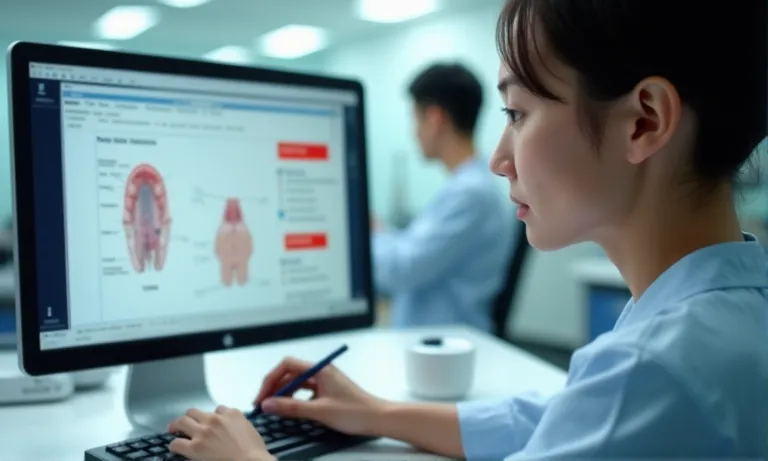
Dental-digital-case-submission-errors-checklist
If the lab can’t see the full margin:
Always double-check scans from multiple angles before submission.
A missing or vague prescription can lead to:
We advise clinics to always annotate restoration type and design scope in the case notes or digital form.
When image notes, prescription forms, and file names disagree:
Ensure consistency across documentation—especially when teams split the workload.
Labs vary in file intake systems. Common compatibility issues include:
.rar files instead of .zipCheck with your lab about supported file types and preferred upload paths.
✅ Clear, complete, and consistent submissions reduce lab-side errors – TRUE
Proper scan checks, matched documentation, and compatible formats significantly improve accuracy and reduce turnaround disruptions.
❌ The lab will adjust anything that’s unclear – FALSE
While we try to assist, many errors—like undetectable margins or ambiguous indications—can only be corrected at the clinic level.
Consistency is the key to predictable results in digital dentistry. While technology reduces manual errors, it also amplifies the impact of small mistakes when systems aren’t aligned. Clinics that standardize their submission workflow—both technically and operationally—tend to experience faster turnarounds, fewer remakes, and better lab relationships.
Digital-dental-submission-best-practices-checklist
A clinic-specific checklist reduces oversight:
We recommend customizing this checklist based on scanner type and lab protocol.
Even the best system fails without consistency:
This especially helps multi-site clinics or teams working in shifts.
Every lab has preferences—and capabilities:
We often suggest a short onboarding call with new clinics to align on these before the first few submissions.
Tracking past cases helps identify and fix workflow gaps:
Over time, this reduces friction and helps build a smoother, faster digital workflow.
Consistency doesn’t mean rigidity—it means creating a repeatable, reliable process that supports better results with less friction. The better your system, the more your lab can focus on doing what it does best: fabricating restorations that seat with precision.
Consistent, complete digital submissions are the key to predictable outcomes, faster seat times, and fewer lab-side disruptions. Here’s a quick recap of best practices:
Want a submission checklist or file naming template? Contact Raytops Dental to receive the tools we provide to our long-term digital partners for smoother collaboration.